
EkaivaKriti
AI-Powered Solutions
Businesses are realizing that "generating text" isn't enough. The real value lies in owning the entire outcome.
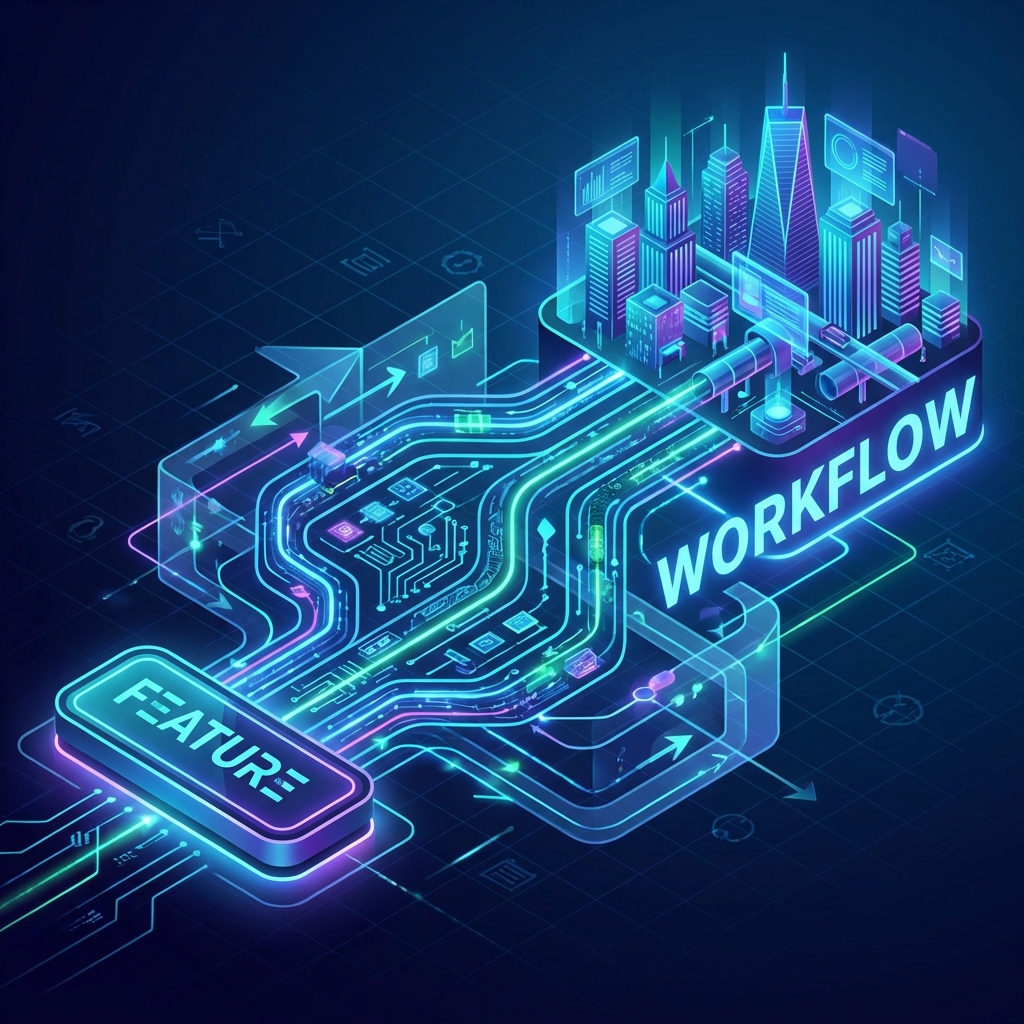
It started with a chat window. "Write me an email." "Summarize this PDF." For a year, this was enough to wow stakeholders. But in 2026, the novelty has worn off, and the ROI questions have started. The verdict is in: Isolated AI features are dead. Long live AI Workflows.
Most SaaS products slapped a "Magic Sparkle" button on their interface. You click it, it generates some text, and... you're left to check it, formatting it, and paste it somewhere else.
This is an AI Feature. It helps with a task, but it doesn't solve a problem. It requires human supervision at every step. It creates a "human-in-the-loop" bottleneck that prevents true scaling.
The winners in 2026 aren't buying AI buttons; they are building AI Workflows. An AI workflow doesn't just "help" with a step; it owns the outcome from trigger to resolution.
An adjuster opens the claim software. They click an "Analyze Image" button. The AI says "Dented Bumper, est. $500". The adjuster reads this, types it into the estimate field, emails the customer, and approves the payment manually.
Result: 5 minutes saved per claim.
The system receives the photo. The AI analyzes it, cross-references the policy in the database to confirm coverage, estimates the cost, checks for fraud markers, and (if under $1000 threshold) automatically approves payment and emails the customer.
Result: 0 minutes spent. Infinite scaling.
We use a 4-step framework to transition clients from Features to Workflows:
What starts the process? Is it an email? A database change? A time of day? We move from "Button Click" (manual) to "Event" (automatic).
The AI needs eyes. We connect it to your SQL databases, your CRM APIs, and your vector stores so it has 100% of the context a human would have.
We implement "Chain of Thought" reasoning. The AI doesn't just act; it plans. "If price > $500, then escalate. Else, approve."
The AI needs hands. We give it tool-calling capabilities to send the email, update the row, or trigger the bank transfer.
Don't try to automate everything at once. Pick one high-volume, low-variety process.
EkaivaKriti architects custom outcome-driven AI workflows that integrate deep into your tech stack. We don't sell tools; we sell efficiency.
Book a Workflow Discovery Call